


Easy Ways to Make Your PC or Laptop Faster
You buy a brand new laptop or PC, and after a few months it starts feeling slow. Almost all of us know this feeling. Boot time becomes long, you open two apps together, and it hangs, open a few extra browser tabs and it freezes. But the hardware is the same as before. Most of the time the reason is not one big thing. It is a lot of small habits and settings piling up slowly, and the system becomes heavy.
Here are a few things that actually work, and the best part is you can do them yourself, no need to run to a technician.
Remove the files and programs you don't need
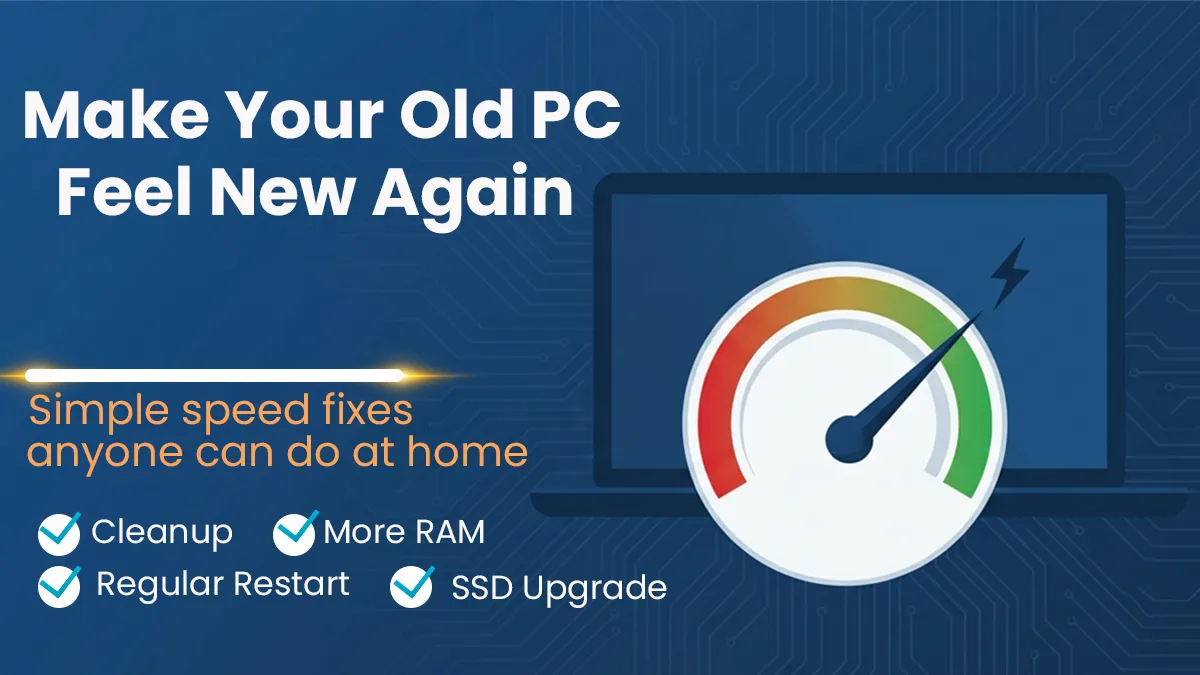
Over time your Downloads folder, temporary files and old setup files keep piling up and fill your storage. When the storage is almost full, the operating system does not get enough space to work, so the whole system slows down. Just run Disk Cleanup once a month, and uninstall the software you no longer use. This simple habit alone makes a big difference.
Cut down the startup apps
The moment your PC turns on, a lot of apps start on their own in the background, and most of them you don't even need right then. This makes boot time longer and eats up your RAM from the start. Go to Task Manager, open the Startup tab, and see which programs are opening for no reason. Disable the ones that are not important. The very first time you do this, you will feel the difference in boot time.
Think about upgrading your storage drive
If your PC or laptop is still running on an old type of hard drive (HDD), this is where the biggest change will come from. On an HDD, reading and writing files is slow, so Windows takes more time to boot, programs take longer to open, and even saving a file feels slow. Switch to an SSD and these same tasks become much faster, because an SSD's read-write speed is many times higher than an HDD.
The nice thing is, you do not have to change the whole PC. Just change the storage drive, and the same hardware starts feeling like a new PC. Depending on your budget and need, you can check this out here and pick from different capacity and types (SATA or NVMe), then match it with what your device supports before you decide.
Add more RAM
Running the browser, editing software and a Zoom call all at the same time, if your RAM is low the system will hang. Anyone who does freelance work or video editing knows this problem very well. Adding RAM is a fairly easy and low-cost upgrade, and you get a quick result when it comes to multitasking.
Keep your browser tabs and extensions under control
Keeping many tabs open at once, and installing extensions you don't really need, both of these habits put extra pressure on your RAM and processor. Remove the extensions you don't use regularly, and make a habit of closing the tabs you don't need once your work is done.
Keep everything updated, and restart once in a while
If you don't keep your operating system and drivers updated, many times it creates performance issues, because new updates often come with performance fixes. Along with that, restarting the full system at least once a week is a good habit. It clears out the processes that pile up in the background.
Final words
Most of the time, a PC or laptop does not slow down for one single reason. It is a few small things piling up together that create the problem. Once you fix the habits above, and do a small hardware upgrade like storage or RAM when needed, even an old device can feel a lot like a new one again.






No comments yet. Be the first to comment!